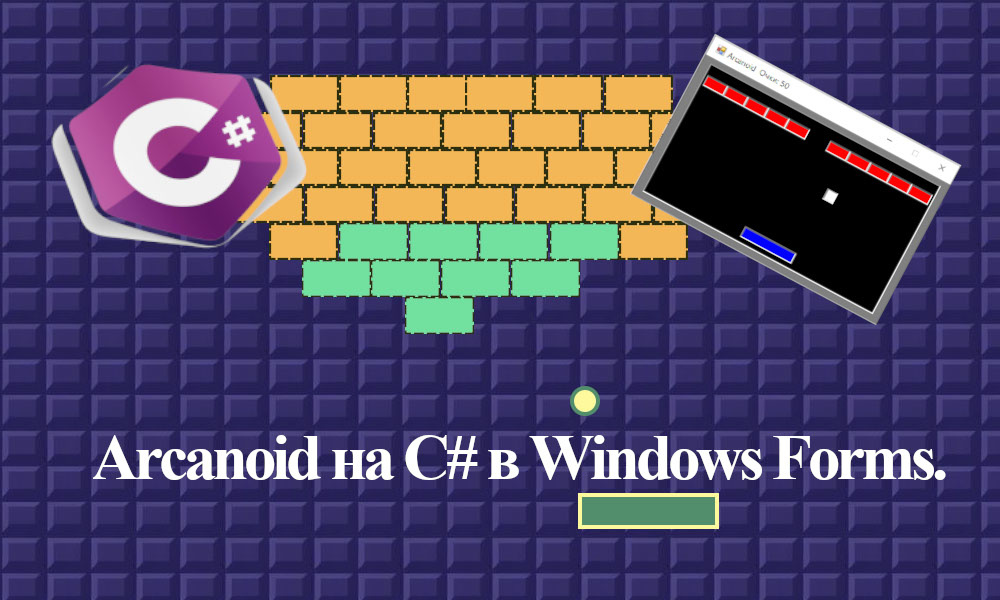
Создание полноценной игры Arcanoid на C# — довольно масштабный проект, который включает в себя работу с графикой, управлением, физикой и другими аспектами. Ниже приведен упрощенный пример кода, демонстрирующий основные элементы игры Arcanoid с использованием библиотеки WinForms для отрисовки графики и обработки ввода. Этот пример не включает все возможности игры, но он показывает основную идею.
Класс Ball:
class Ball
{
public int X { get; set; }
public int Y { get; set; }
public int SpeedX { get; set; }
public int SpeedY { get; set; }
public int Width { get; set; }
public int Height { get; set; }
public void Move()
{
X += SpeedX;
Y += SpeedY;
}
}
Класс Paddle:
class Paddle
{
public int X { get; set; }
public int Y { get; set; }
public int Width { get; set; }
public int Height { get; set; }
public int MoveLeft()
{
int x;
X -= 10;
x = X;
return x;
}
public int MoveRight()
{
int x;
X += 10;
x = X;
return x;
}
}
Класс Brick:
class Brick
{
public int X { get; set; }
public int Y { get; set; }
public int Width { get; set; }
public int Height { get; set; }
public bool IsDestroyed { get; set; }
public void Destroy()
{
IsDestroyed = true;
}
}
Класс Game:
using System.Collections.Generic;
using System;
class Game
{
public Ball ball;
public Paddle paddle;
public List<Brick> bricks;
public int Score = 0;
public int count = 0;
public Game()
{
ball = new Ball { X = 190, Y = 100, SpeedX = 5, SpeedY = -5, Width = 20, Height = 20 };
paddle = new Paddle { X = 200, Y = 230, Width = 100, Height = 20 };
bricks = new List<Brick>();
// Добавление кирпичей
for (int i = 0; i < 11; i++)
{
bricks.Add(new Brick { X = 20 + i * 40, Y = 30, Width = 40, Height = 20 });
}
}
public void Update()
{
ball.Move();
if (ball.X >= paddle.X && ball.X <= paddle.X + paddle.Width && ball.Y >= paddle.Y - paddle.Height && ball.Y <= paddle.Y + paddle.Height)
{
Console.Beep(200, 150);
ball.SpeedY *= -1;
}
if (ball.X <= 15 || ball.X >= 450 - ball.Width)
{
Console.Beep(100, 150);
ball.SpeedX *= -1;
}
if (ball.Y <= 12)
{
Console.Beep(100, 150);
ball.SpeedY *= -1;
}
// Проверка столкновений с кирпичами
foreach (var brick in bricks)
{
if (brick.IsDestroyed) { continue; }
if (ball.X >= brick.X && ball.X <= brick.X + brick.Width &&
ball.Y >= brick.Y - brick.Height && ball.Y <= brick.Y + brick.Height)
{
brick.Destroy();
Console.Beep(300, 150);
Score += 50;
count++;
ball.SpeedY *= -1;
break;
}
}
//проигрышь
if (ball.Y >= 300 || count == bricks.Count)
{
ball.SpeedX = 5;
ball.SpeedY = -5;
paddle.X = 200;
paddle.Y = 230;
for (int i = 0; i < bricks.Count; i++)
{
bricks[i].Destroy();
}
for (int i = 0; i < 11; i++)
{
bricks.Add(new Brick { X = 20 + i * 40, Y = 30, Width = 40, Height = 20 });
}
Score = 0;
}
}
}
Класс FormGraphics:
using System;
using System.Drawing;
using System.Windows.Forms;
public partial class FormGraphics : Form
{
private PictureBox pictureBox;
private Game game;
private PictureBox pictureBoxBall;
private PictureBox pictureBoxPaddle;
private PictureBox[] pictureBoxBrick;
public FormGraphics()
{
InitializeComponent();
timer.Tick += new EventHandler(timer1_Tick);
timer.Start();
}
private void FormGraphics_Load(object sender, EventArgs e)
{
KeyDown += FormGraphics_KeyDown;
}
private void FormGraphics_KeyDown(object sender, KeyEventArgs e)
{
switch (e.KeyCode)
{
case Keys.Left:
pictureBoxPaddle.Left = game.paddle.MoveLeft();
if (game.paddle.X == 20) pictureBoxPaddle.Left = game.paddle.MoveRight() - 10;
break;
case Keys.Right:
pictureBoxPaddle.Left = game.paddle.MoveRight();
if (game.paddle.X == 360) pictureBoxPaddle.Left = game.paddle.MoveLeft() + 10;
break;
}
}
private void timer1_Tick(object sender, EventArgs e)
{
game.Update();
this.Text = "Arcanoid " + " Очки: " + game.Score;
// Обновление позиции мяча и платформы на экране
pictureBoxBall.Left = game.ball.X;
pictureBoxBall.Top = game.ball.Y;
pictureBoxPaddle.Left = game.paddle.X;
// Проверка и удаление уничтоженных кирпичей с экрана
foreach (var brick in pictureBoxBrick)
{
if (game.ball.X >= brick.Left && game.ball.X <= brick.Left + brick.Width &&
game.ball.Y >= brick.Top && game.ball.Y <= brick.Top + brick.Height)
{
brick.Visible = false;
break;
}
if (game.ball.Y >= 300 || game.count == game.bricks.Count)
{
brick.Visible = false;
}
}
if (game.ball.Y >= 300 || game.count == game.bricks.Count)
{
game.ball.Y = 100;
game.ball.X = 190;
for (int i = 0; i < pictureBoxBrick.Length; i++)
{
pictureBoxBrick[i] = Settings(pictureBoxBrick[i], Color.Red, game.bricks[i].Width,
game.bricks[i].Height, game.bricks[i].X, game.bricks[i].Y);
}
pictureBox.Visible = false;
pictureBox = Settings(pictureBox, Color.Black, 450, 250, 15, 10);
}
}
}
Класс FormGraphics:
using System.Drawing;
using System.Windows.Forms;
public partial class FormGraphics
{
private System.ComponentModel.IContainer components = null;
protected override void Dispose(bool disposing)
{
if (disposing && (components != null))
{
components.Dispose();
}
base.Dispose(disposing);
}
Timer timer;
private void InitializeComponent()
{
this.components = new System.ComponentModel.Container();
this.timer = new Timer(this.components);
this.Text = "Form1";
this.Size = new Size(500, 320);
this.FormBorderStyle = FormBorderStyle.Fixed3D;
this.StartPosition = FormStartPosition.CenterScreen;
this.MaximizeBox = false;
BackColor = Color.Gray;
game = new Game();
this.Text = "Arcanoid " + " Очки: " + game.Score;
pictureBoxBall = new PictureBox();
pictureBoxBall = Settings(pictureBoxBall, Color.White, game.ball.Width, game.ball.Height, game.ball.X, game.ball.Y);
pictureBoxPaddle = new PictureBox();
pictureBoxPaddle = Settings(pictureBoxBall, Color.Blue,
game.paddle.Width, game.paddle.Height, game.paddle.X, game.paddle.Y);
pictureBoxBrick = new PictureBox[game.bricks.Count];
for (int i = 0; i < game.bricks.Count; i++)
{
pictureBoxBrick[i] = Settings(pictureBoxBrick[i], Color.Red, game.bricks[i].Width,
game.bricks[i].Height, game.bricks[i].X, game.bricks[i].Y);
}
pictureBox = new PictureBox();
pictureBox = Settings(pictureBox, Color.Black, 450, 250, 15, 10);
this.Load += new System.EventHandler(this.FormGraphics_Load);
}
private PictureBox Settings(PictureBox box, Color color, int w, int h, int l, int t)
{
box = new PictureBox();
box.BackColor = color;
box.Size = new Size(w, h);
box.Left = l;
box.Top = t;
box.BorderStyle = BorderStyle.Fixed3D;
this.Controls.Add(box);
return box;
}
}
Класс Program:
using System;
using System.Windows.Forms;
class Program
{
[STAThread]
static void Main()
{
Application.EnableVisualStyles();
Application.SetCompatibleTextRenderingDefault(false);
Application.Run(new FormGraphics());
}
}
Этот пример демонстрирует базовую механику игры Arcanoid. Для полноценной игры можно добавить:
- Уровни.
- Бонусы.
- Анимации.
- Звуковые эффекты.
- Графику вместо примитивов.