✈️ Промты для простых обработок фотографий
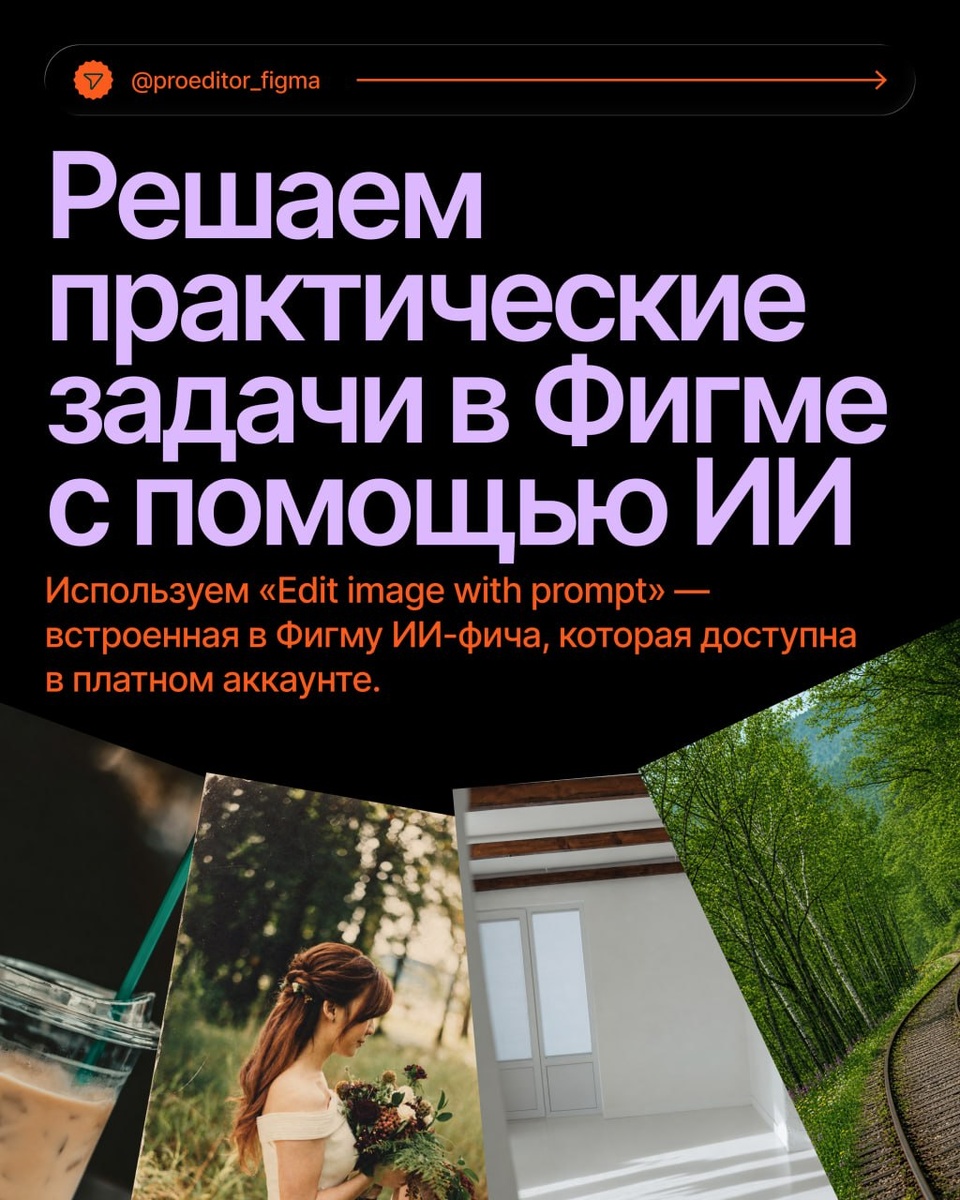
В карточках мы делали все преобразования с помощью функции «Edit image with prompt». Это ИИ-фича, которая позволяет дорабатывать фотографию по вашему промту. Мы попросили Perplexity написать универсальные запросы для однотипных действий и в карточках показали, как нейросети справляются.
А вот промты для:
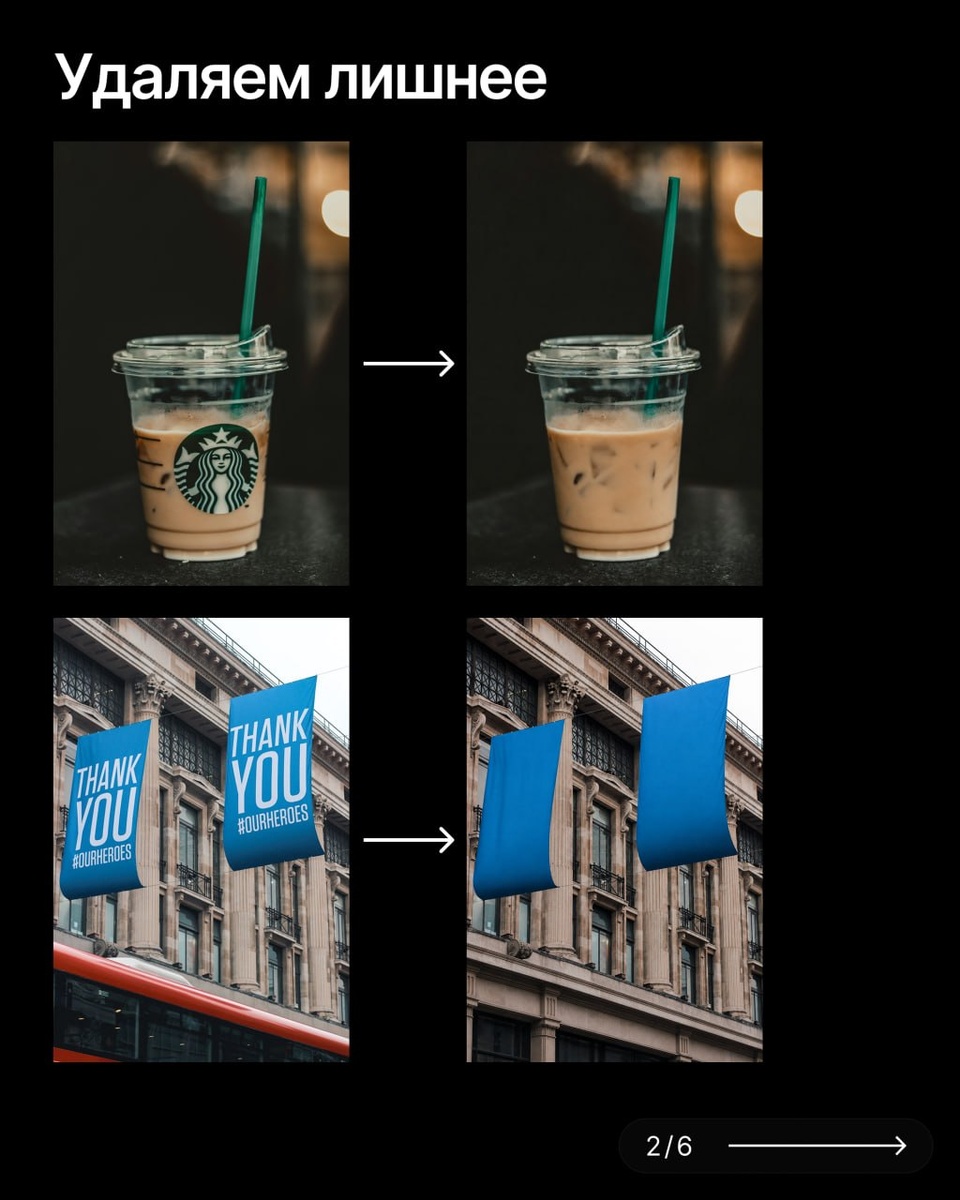
1. Удаления лишнего:
Edit the attached photo and remove all unwanted artifacts, including logos, brand marks, text, illustrations, stickers, labels, watermarks, symbols, and any other graphic elements. Clean the image so only the original object remains visible, such as a glass, notebook, mug, or banner, with a natural and realistic background. Reconstruct any removed areas seamlessly so the photo looks clean, professional, and untouched. Do not change the main object, composition, perspective, or lighting unless needed to restore the background naturally.
2. Добавления ретро-эффекта:
Edit the attached photo and apply a subtle retro effect. Add realistic film grain, light surface wear, soft scratches, slight fading, and a gently aged analog look. Keep the original composition, colors, and lighting mostly intact, but make the image feel vintage, textured, and slightly imperfect, like an old printed photograph. Do not change the main subject or add any new objects.
3. Освобождения комнаты:
Edit the attached room photo and remove all furniture, flowers, tables, decor, and any other objects. Keep only the walls and the floor visible. Preserve the original composition, camera angle, perspective, lighting, and room geometry exactly as they are. Do not change the architecture, reshape the space, or add any new elements. The result should look like the same empty room after everything has been removed naturally and cleanly.
4. Преобразования в лето:
Edit the attached nature photo and transform it into a clean summer scene. Add lush green grass, fully green trees, fresh blooming flowers, and bright natural daylight. If the original image is winter, remove all snow, ice, frost, and any other winter signs. If the original image is spring, remove mud, slush, dirt, and any leftover winter mess, and make the scene look fresh and vibrant. Keep the original composition, camera angle, terrain, and overall layout unchanged. Only change the seasonal appearance of the environment so it looks natural and realistic.
#полезное