ВТОРАЯ ЧАСТЬ ГАЙДА: Реализуем более сложные идеи🔥
Что нужно?
🔴 видео-референс из интернета (можно скачать в Instagram и TikTok)
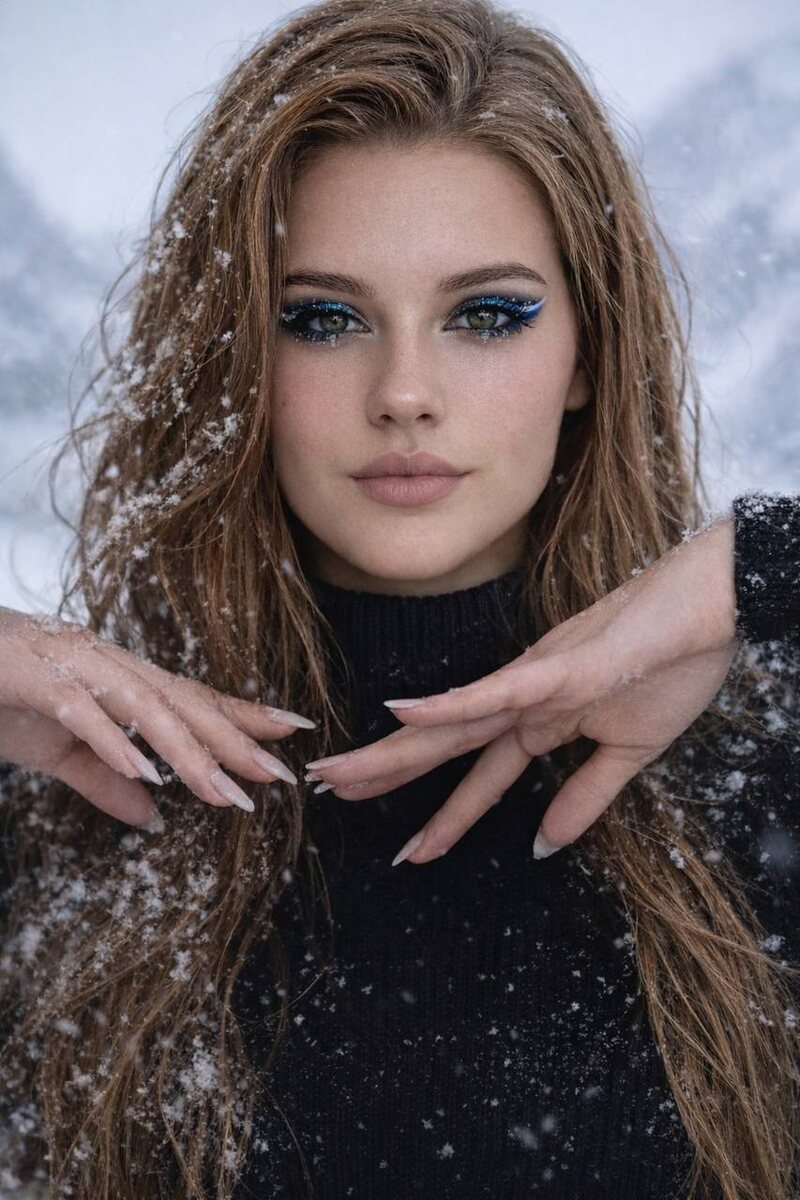
🔴 два изображения (в моем случае) для создания перехода.
Что делаем?
1️⃣Скачиваем референс (можно с водяными знаками). Учтите, что музыку часто не дают скачать вместе с видео, ее нужно будет найти и наложить в CapCut.
2️⃣Делаем скриншоты 1 кадра и 1 кадра после смены образа.
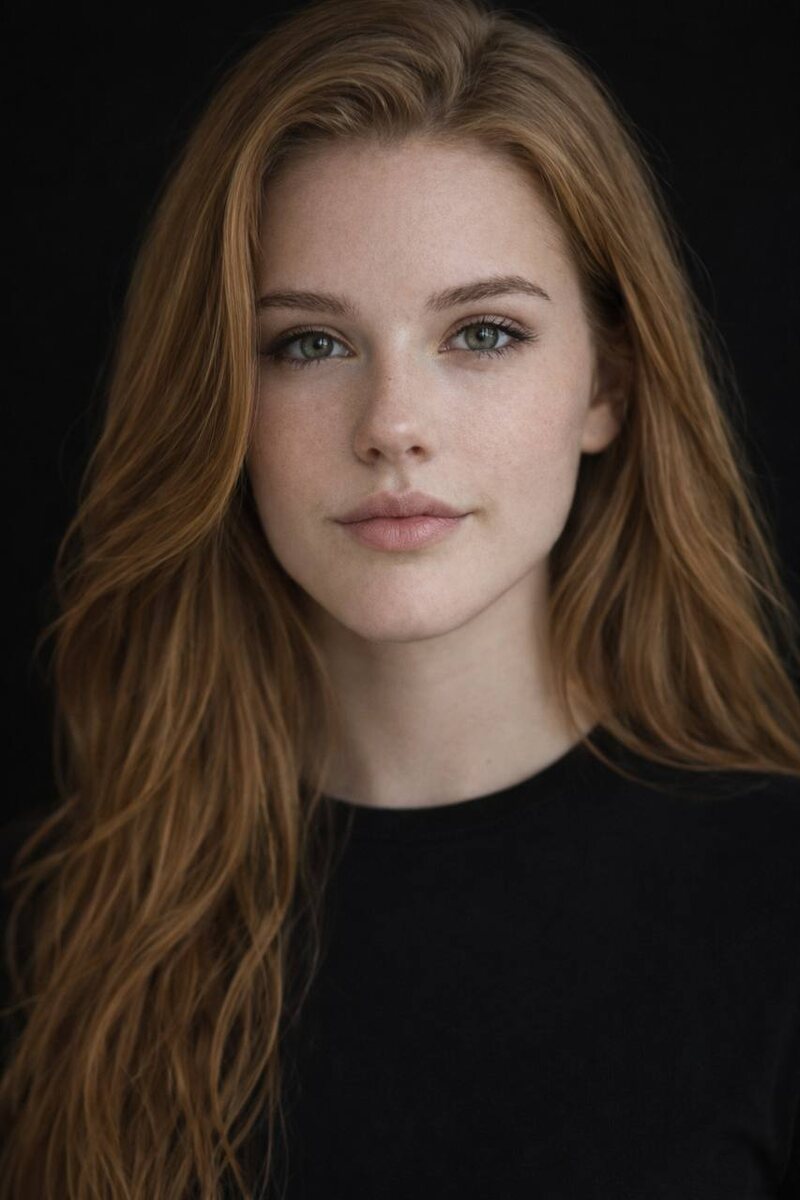
3️⃣Идем в ChatGPT или NanoBanana, добавляем сначала первый кадр, ВАШЕ ФОТО (или фото вашей ИИ модели) и промпт:
Use the uploaded photo as the ONLY reference for the person’s identity.
Create a hyper-realistic photographic portrait of the SAME REAL PERSON from the uploaded image.
CRITICAL — IDENTITY PRESERVATION:
– Exact facial structure and proportions
– Exact eye shape, nose shape, lips, jawline, cheekbones
– Exact age appearance and ethnicity
– Exact skin tone
– Preserve natural facial asymmetry
DO NOT:
– change facial features
– beautify, idealize or stylize the face
– make the person look younger or more “model-like”
– alter proportions or facial geometry
– apply beauty filters or AI stylization
SKIN & REALISM:
– realistic human skin texture
– visible pores, micro-texture, natural imperfections
– no smoothing, no plastic skin, no retouch effect
– no face reshaping, no symmetry correction
MAKEUP (VERY LIGHT & NATURAL ONLY):
– barely visible natural makeup
– light even skin tone without smoothing
– subtle natural blush
– light mascara only, no false lashes
– natural eyebrows without reshaping
– neutral lips close to natural lip color
CLOTHING:
– plain black T-shirt
– no logos, no prints, no text
– matte fabric
– realistic folds and fabric texture
BACKGROUND:
– pure black background
– clean, uniform, no gradients, no textures
– no objects, no environment elements
PHOTOGRAPHY STYLE:
– professional photorealistic portrait
– cinematic but restrained, realistic look
– realistic light falloff on the face
– no artificial glow or stylized lighting
LIGHTING:
– soft, controlled studio light
– gentle contrast to separate the face from the black background
– natural shadows, no harsh highlights
CAMERA SETTINGS:
– full-frame photo
– 85mm lens
– shallow depth of field
– high resolution
– realistic depth and perspective
EXPRESSION & POSE:
– natural facial expression
– relaxed, neutral pose
– no exaggerated emotions
FINAL RESULT:
– should look like a real professional studio portrait
– indistinguishable from a real camera photograph
А потом второй кадр, фото и промпт (его оставлю в комментариях, не помещается в размер поста)
4️⃣Скачиваем получившиеся изображения и отправляем их с видео-референсом в 2 генерации в Kling Ai по инструкции из первой части гайда.
5️⃣Идем в CapCut и там обрезаем первое и второе видео на моменте перехода. Так же подгоняем под размер, чтобы скрыть вотермарку.
6️⃣ Скачиваем готовое видео и наслаждаемся!
Так можно делать с абсолютно разными видео, пробуйте и делитесь в комментариях!❤️