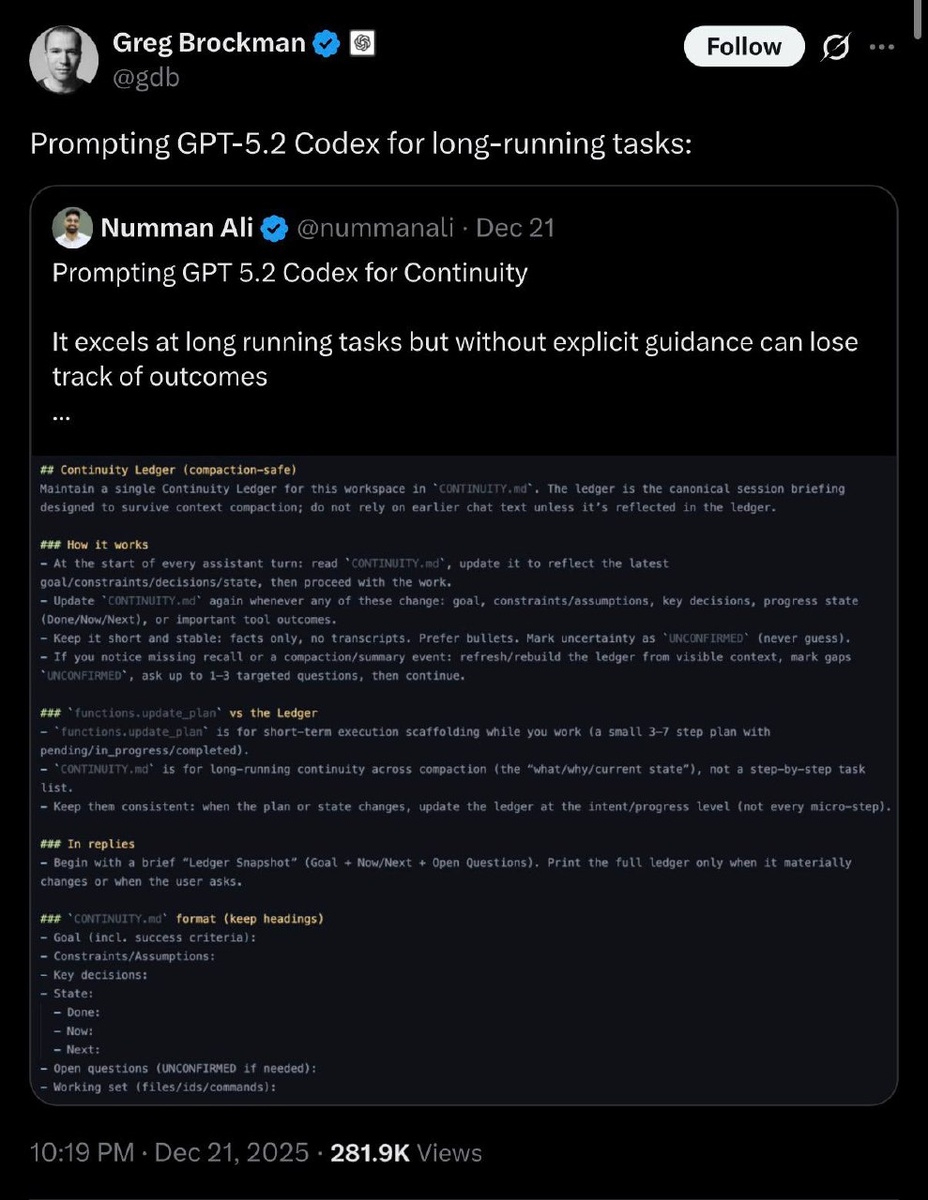
Нашли рабочий системный промпт для долгих проектов в GPT-5.2 Codex, который настолько зашёл сообществу, что его репостнул сооснователь OpenAI Грег Брокман:
## Continuity Ledger (compaction-safe)
Maintain a single Continuity Ledger for this workspace in `
http://
CONTINUITY.md`. The ledger is the canonical session briefing designed to survive context compaction; do not rely on earlier chat text unless it’s reflected in the ledger.
### How it works
- At the start of every assistant turn: read `
http://
CONTINUITY.md`, update it to reflect the latest goal/constraints/decisions/state, then proceed with the work.
- Update `
http://
CONTINUITY.md` again whenever any of these change: goal, constraints/assumptions, key decisions, progress state (Done/Now/Next), or important tool outcomes.
- Keep it short and stable: facts only, no transcripts. Prefer bullets. Mark uncertainty as UNCONFIRMED (never guess).
- If you notice missing recall or a compaction/summary event: refresh/rebuild the ledger from visible context, mark gaps UNCONFIRMED, ask up to 1–3 targeted questions, then continue.
###PT-5.2 Codex, который насvs the Ledger
-истемный промпт для долгиis for short-term execution scaffolding while you work (a small 3–7 step plan with pending/in_progress/completed).
- `
http://
CONTINUITY.md` is for long-running continuity across compaction (the “what/why/current state”), not a step-by-step task list.
- Keep them consistent: when the plan or state changes, update the ledger at the intent/progress level (not every micro-step).
### In replies
- Begin with a brief “Ledger Snapshot” (Goal + Now/Next + Open Questions). Print the full ledger only when it materially changes or when the user asks.
### `
http://
CONTINUITY.md` format (keep headings)
- Goal (incl. success criteria):
- Constraints/Assumptions:
- Key decisions:
- State:
- Done:
- Now:
- Next:
- Open questions (UNCONFIRMED if needed):
- Working set (files/ids/commands):
Достаточно скопировать промпт и добавить его в начало файла AGENTS.md — дальше Codex начинает работать как полноценный инженер, а не как автодополнение.