macOS Sonoma
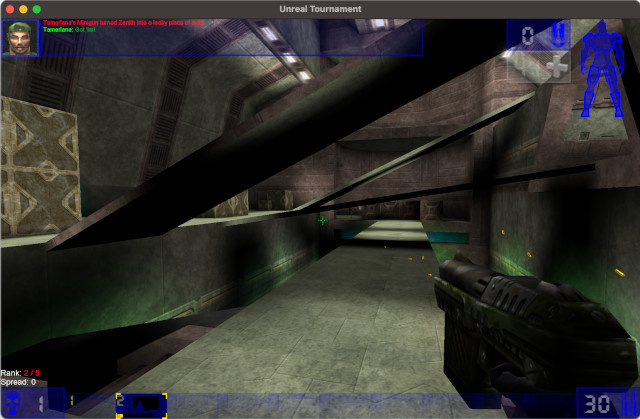
If you’re a dedicated Unreal Tournament 99 fan like me, you’ll want to run the game on the latest operating systems and hardware. I have successfully run Unreal Tournament 99 on an M2 Macbook running macOS Sonoma 14.5
- To run the game under macOS for the M1/M2/M3 processor you need:
- Download the version from the repository, https://github.com/OldUnreal/UnrealTournamentPatches/releases for macOS.
- Drop UnrealTournament.app to /Applications
- Create an Unreal Tournament folder in ~/Library/Application Support/
- Copy the Windows versions of the Maps, Sounds, Textures, Music folder to ~/Library/Application Support/Unreal Tournament
- Delete the files LadderFonts.utx, UWindowFonts.utx from the folder ~/Library/Application Support/Unreal Tournament/Textures
- Run UnrealTournament.app from /Applications, enjoy the frags!
The penultimate step is needed to display the correct fonts, the original ones are displayed too small.
After starting, configure the screen resolution, keyboard, font size in the GUI, and other necessary settings.
Errors
If you see "Failed to enter Entry: Can't find file Entry." error
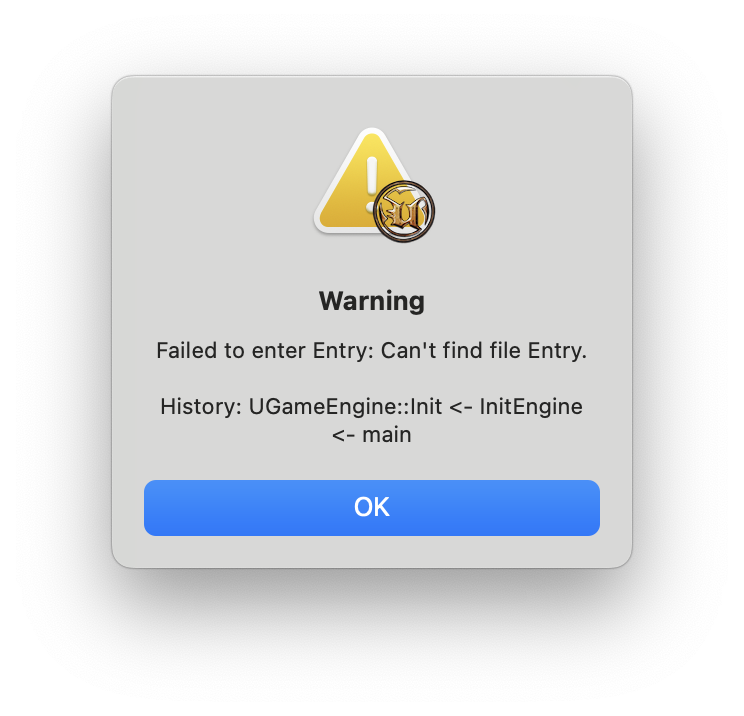
Then you must copy installed Unreal Tournament 99 files into "~/Library/Application Support/Unreal Tournament"
If you encounter "Assertion failed: ..." error
Copy files from licensed version of Unreal Tournament 99, rip versions are not supported, GoG or Steam versions are preffered. Also check that you copy only 4 folders - Maps, Sounds, Textures, Music.
Video demo: https://www.youtube.com/watch?v=oylH-OrUbpk