НОВАЯ ВЕРСИЯ СТАТЬИ ПО ССЫЛКЕ НИЖЕ⬇️
Прежде чем наполнять чат-бот функционалом его необходимо правильно зарегистрировать
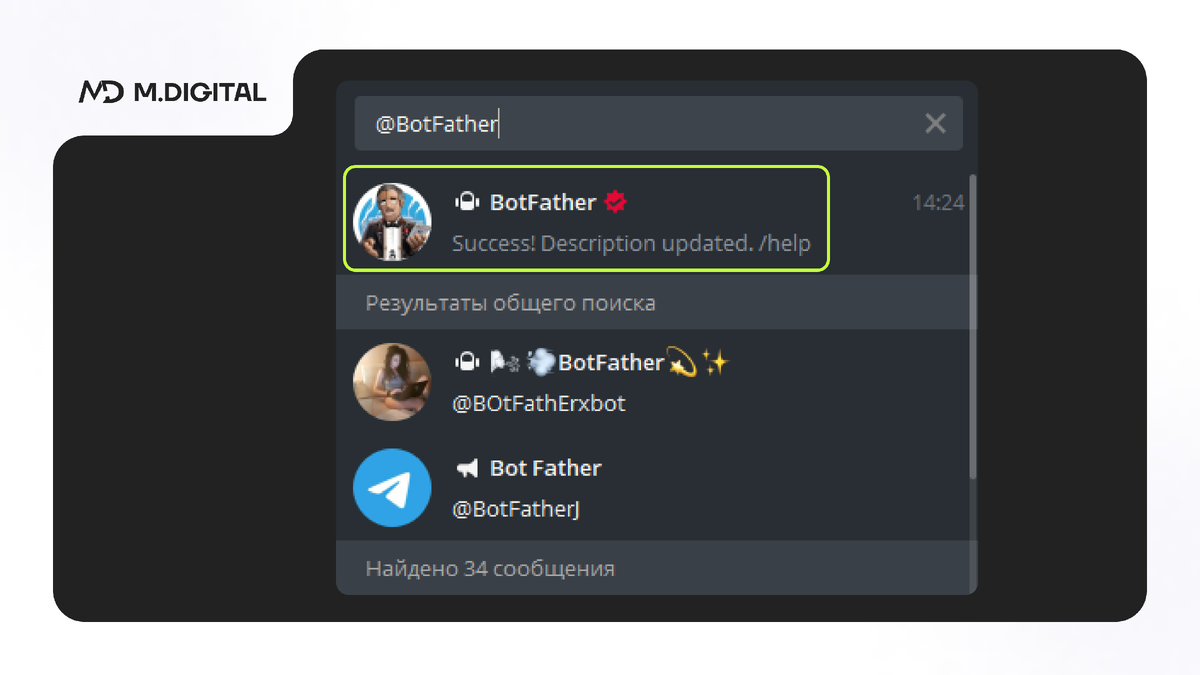
- В Telegram в строку поиска вбейте @BotFather
2. Выберите команду /newbot
3. На вопрос: Alright, a new bot. How are we going to call it? Please choose a name for your bot.
Введите имя чат-бота, например: “Визитка компании”, чтобы на любом устройстве, независимо от ширины экрана, отображалось полное название.
💡 ❗Имя чат-бота можно будет при необходимости изменить❗
4. Дальше появится надпись:
Good. Now let's choose a username for your bot. It must end in bot. Like this, for example: TetrisBot or tetris_bot.
Введите название вашего чат-бота, например “MDigital_bot”
💡 ❗Название чат-бота остается неизменным❗
5. Дальше появится надпись:
Done! Congratulations on your new bot. You will find it at t.me/DigitalMaroon_bot. You can now add a description, about section and profile picture for your bot, see /help for a list of commands. By the way, when you've finished creating your cool bot, ping our Bot Support if you want a better username for it. Just make sure the bot is fully operational before you do this.
Use this token to access the HTTP API:
1422214662:AAG7k0sUK48_ff3vFU__________________________- ТОКЕН БОТА
Keep your token secure and store it safely, it can be used by anyone to control your bot.
For a description of the Bot API, see this page: https://core.telegram.org/bots/api
💡 ❗Токен бота - индивидуальный адрес любого бота, который нельзя никому сообщать. Иначе есть вероятность потерять контроль над ним❗
Для чего проделывается эта процедура?
Для того, чтобы имя бота и его уникальный номер были зарегистрированы в системе на номер телефона главного заказчика (владельца бота) и всецело принадлежали ему.
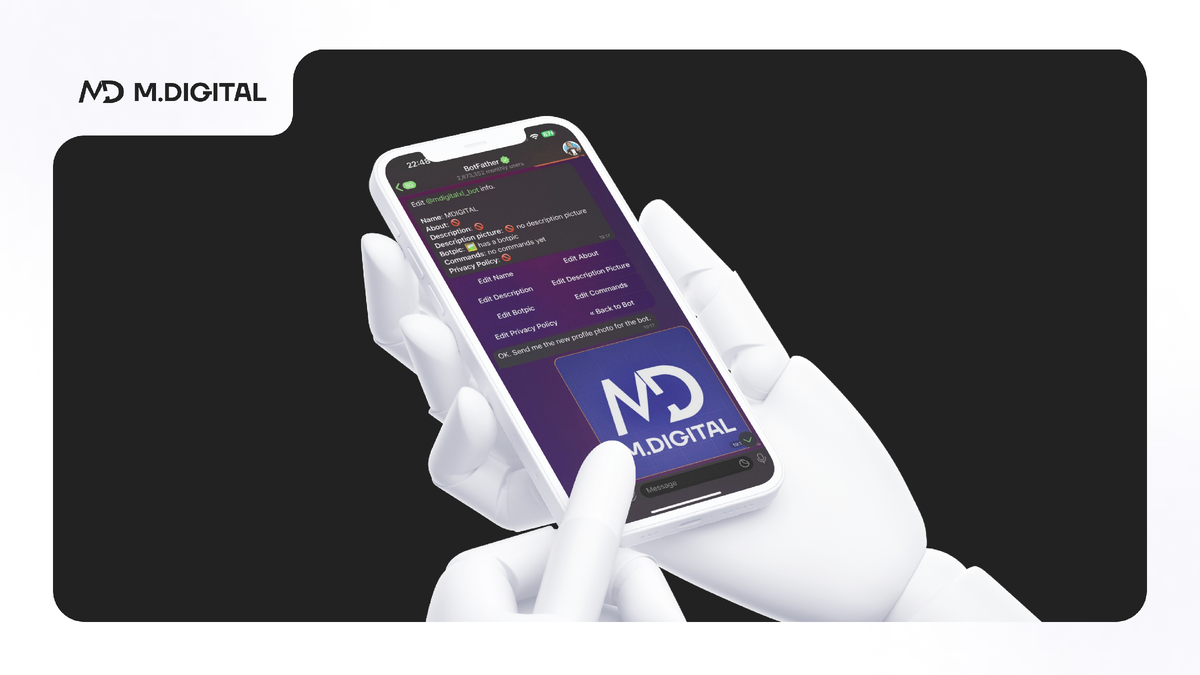
- Токен чат-бота в BotFather вы получили. Теперь нужно оформить вашего бота: сделать описание, рассказать о чем он и поставить аватар. Для этого
🔴 Заходим в отца всех ботов @BotFather
🔴 Вводим команду: /mybots
/mybots - команда, которая выведет всех, созданных вами, ботов
Выйдет список ваших ботов. Находите нужного вам и нажимаете на кнопку с его именем.
🔴 Выходит список команд Нажимаете на Edit Bot
Edit Bot - кнопка, которая позволяет внести информация о вашем бота
Вам нужно заполнить информацией:
✅ Edit About (лимит 120 символов)
✅ Edit Description: (лимит 512 символов)
✅ Edit Botpic (Картинка квадратного формата не меньше, чем 320x320 pt)
❗Пример❗ заполнения информации о боте:
Edit About: (120 символов)
Чат-бот, который поможет тебе улучшить свои результаты в трейдинге.
Edit Description: (512 символов)
Привет! Я чат-бот, который поможет тебе улучшить свои результаты в трейдинге.
📊Пройди тест и узнаешь, какой стиль торговли тебе подходит больше всего.
🎁 Получи в подарок журнал сделок и начни вести свой дневник трейдера.
Edit Botpic: Отправляете боту свою фотографию.
В любой момент картинку или другие описания можно будет поменять.
Неизменным останется только название вашего бота (имя_bot)
__________________________________________________________________________________________
Создание разделов постоянного меню
Для создания команд постоянного меню нужно выбрать команду Edit commands
И отправить команды бота.
Пример:
beatstart - Записаться на курс БитСтарт
community - Сообщество БитСтарт
help - Задать вопрос
_____________________________________________________________________________________