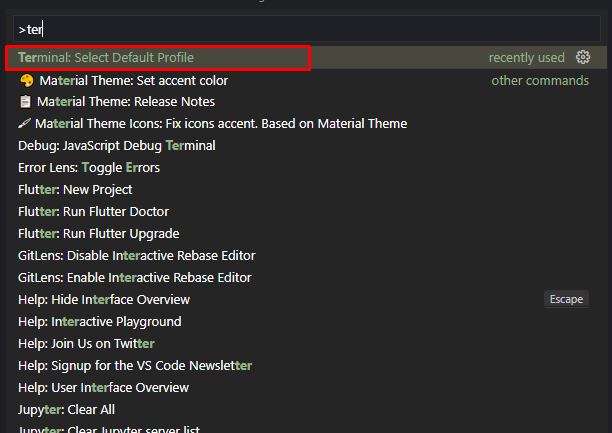
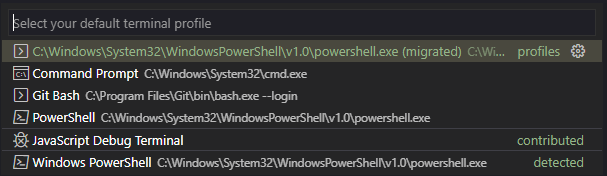
Это можно сделать нажав F1 в VS Code и набрав / выбрав Terminal: Select Default Profile. This can be done by pressing F1 in VS Code and typing / selecting Terminal: Select Default Profile.
Это можно сделать нажав F1 в VS Code и набрав / выбрав Terminal: Select Default Profile. This can be done by pressing F1 in VS Code and typing / selecting Terminal: Select Default Profile.