Today I will describe how to add a Xiaomi Motion Sensor to the Home Assistant. We started transferring the first devices from complete hubs in the last article (RU).
To connect, I use a USB ZigBee stick on cc2538 (RU). ZigBee2MQTT(RU) is running on the server. A Linux (RU) installed on the mini-PC (RU) what used as the server. Home Assistant is the latest version, updated according to these instructions (RU).
This is a translation of my article in Zen. Also, do not forget to read us in other services: Instagram, telegram (RU, EN, DE). Medium, LiveJournal, YouTube.
So, we take the motion sensor from Xiaomi and hold the "link" button for 3 or more seconds. We hear a Chinese voice from the Xiaomi hub, so the device is lost. If you open the ZigBee2MQTT logs, you can watch how the device connects to CC2538 and starts exchanging data. Soon the sensor will start sending the date in its topic, HA will answer.
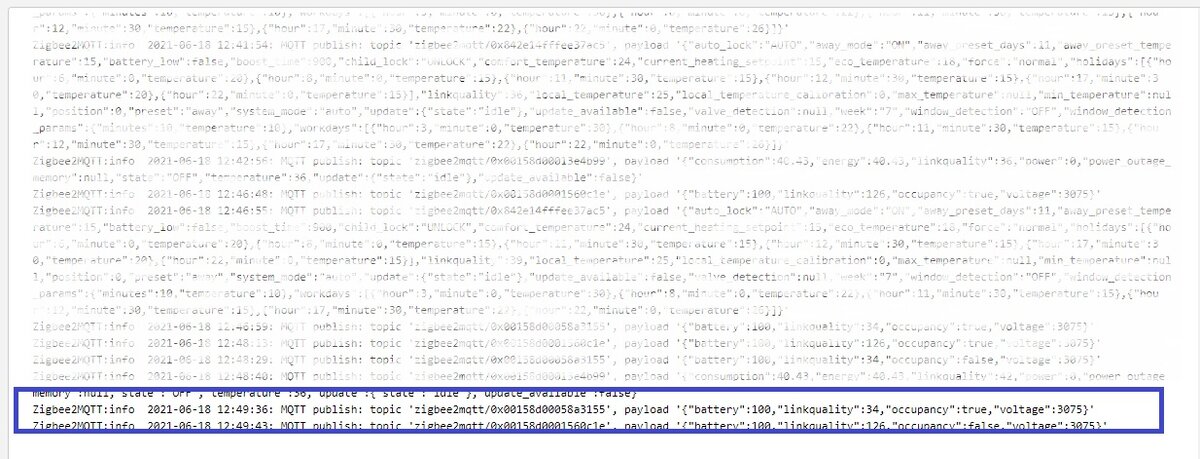
Great, we go to the home page of our HA and see the result.
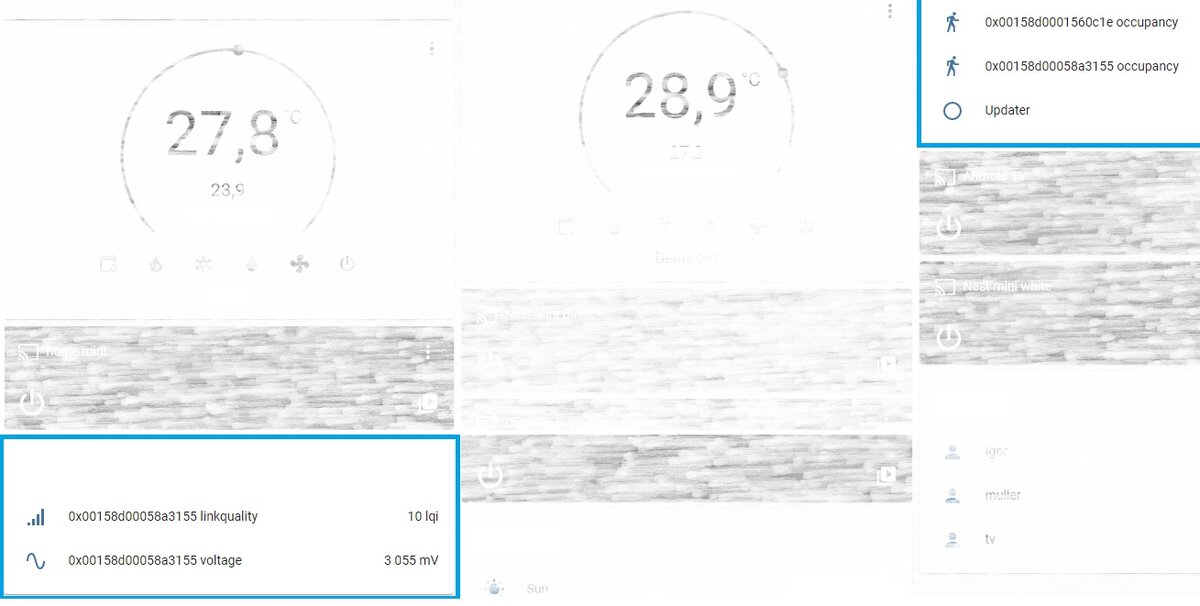
Now we go to the settings and then to the devices. Select our sensor and a full description of the sensor, automations, scenes, scripts and entities that belong to it opens. Click on the pencil, to the right of the name, and change the name of the device. After that, the names of the objects will also magically change. The latest improvement will be to change the icon for the battery value. We will write it manually, as in the 6th picture. To do this, enter hass:battery.
The general view will be much better when we rename all the sensors that are the data of one device
And that's all, subscribe, likes, repost... And we will soon be a small lottery ☺.