Dashboard is the main Miro page where you can navigate between your accounts, projects and boards. Accounts are your workspaces/teams, and you can have several accounts in your profile.
If you are a member or were invited to some of the boards in a team, you will see the team icon on the left sidebar on the Dashboard. Switch between the teams by clicking the square icons on the left-side panel.
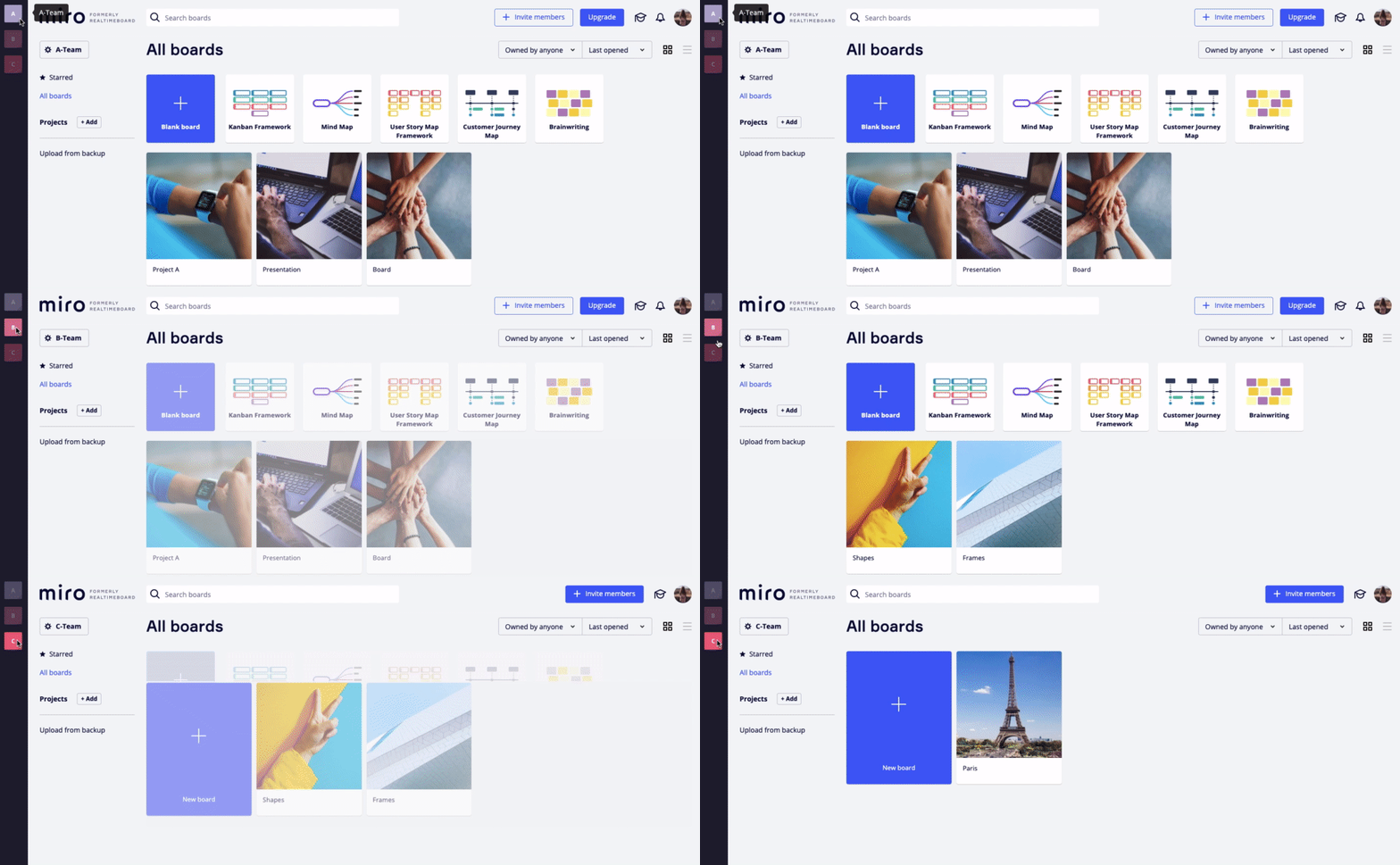
This user has 3 teams on the dashboard
Dashboard interface
On the Dashboard, you have quick access to your profile and account settings, projects, boards shared with you in the chosen account and ★starred boards in your whole profile. Here you can create a new board, search through existing boards, upload backup files, sort and organize your boards in the way which is convenient for you.
In this article:
1. Profile settings
2. Sorting
3. Starred boards
4. Search
5. Board menu
6. Guide
7. Video "Sharing Boards and Staying Organised"
Profile settings
Click the avatar and choose Settings to open the Profile details. Here you can edit your name, company, role; change your email/password, and delete your profile.
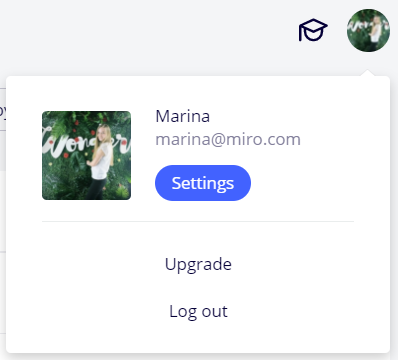
Opening the profile settings
⚠️ Please note that Miro is available in the English language only
Sorting
There are several sorting options on the Dashboard. You can filter the boards owned by anyone in the team, owned by you or not owned by you. You can also view boards in alphabetical order or according to the date they were created, last opened or last modified. You can organize the boards in grid view or list view to better locate them.
Sorting options on the Dashboard
Starred boards
For quick access to important boards, star them so they appear at the top of your dashboard.
Star a board in a Grid view
Star a board in a List view
⚠️ The ★Starred section shows the boards which were chosen in any account of your profile.
Starred boards
Search
To find a board on the Dashboard, click Search at the top of the page or press Ctrl+F and start typing a board name, a phrase, or a word that might be a part of a board description. You will see all the boards shared with you in the current team.
Enterprise users can perform a full cross-team search from their Dashboard. That means any related content from teams that are under the Enterprise subscription will surface in the search results: board title, description, or text from any widgets, comments, sticky notes, etc.
For more details about search in Miro, you can read this article Search in Miro.
Board menu
You can share, rename, move, duplicate, delete boards, change cover, open board details, download board backups and copy board links right from your Dashboard. Open the context menu of the board by clicking the three dots on the board.
Board context menu
Guide
Browse the Learn & Inspire center to view demo boards, apps and extensions, helpful tips on getting started, blog articles, videos, and help topics. You can also submit a support ticket and find answers to the most popular topics.
The Guide is your first aid in Miro
💡 You will always have access to the Guide both from the boards and Dashboard.
Explore the basics of organizing your account with this video:
https://vimeo.com/341522962
Статья скопирована с сайта: https://help.miro.com/hc/en-us/articles/360017571294-Dashboard-and-Accounts