The average user is interested in the image editor used by him to provide an extensive number of functions and at the same time be very simple and intuitive. Since only in this way it is possible to get a beautiful image from a simple photograph taken with a simple camera or phone.
With the help of image editors you can get a well-made photo or even a whole collage. The main thing is to choose the right editor so that you do not encounter a number of difficulties in its application. Photoshop is a very promising option, but requires special attention and skills in its use. Movavi Photo Editor, in turn, supported by most operating systems, can be a great alternative for the average user.
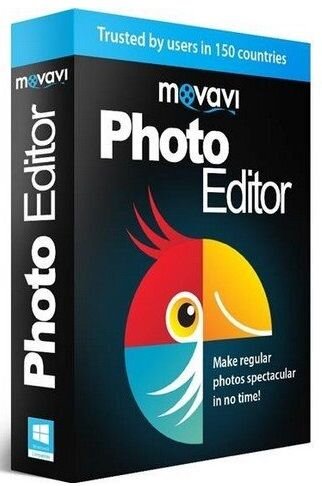
Immediately after installing Movavi Photo Editor, the application will begin scanning your images on the media. The speed of the scanning process depends entirely on the number of images that are present on your media. The speed of the application itself is quite optimal, so that the user was comfortable working with the product. The minimum requirements of the program in this case had a positive effect on working with the editor, making it a good option for users.
Movavi Photo Editor, presented on the site https://www.movavi.ru/support/how-to/how-to-flip-photo.html, makes it possible to mirror photos of users who want to make pictures unique for subsequent posting of edited pictures on the Internet resources. Also, mirroring will help out perfectly if you need to expand the wallpaper on your desktop, releasing the right part of the monitor under the icons.
Special attention in the editor deserves support for RAW, as well as PSD-formats. Despite the fact that there are no layer support in the application, the creators of Movavi Photo Editor have provided for saving images in such formats. Perhaps this nuance can be taken as a reference to future more updated versions of the program, which will significantly expand its capabilities and functions.
When you first install the program, you are presented with a fully functional version of the program, which after a month will force you to choose: either you continue to use the program further with truncated functions, or purchase a licensed new program. To learn how to use a photo editor, you need to practice a little with its functionality, then things will go much easier and faster.