If you chat with all your friends who game via Discord, it makes a lot of sense to show off what you’re playing. It’s a conversation starter, it tells your friends what console you’re using and maybe even gives them a sense of your mood. (Everybody has their own comfort games).
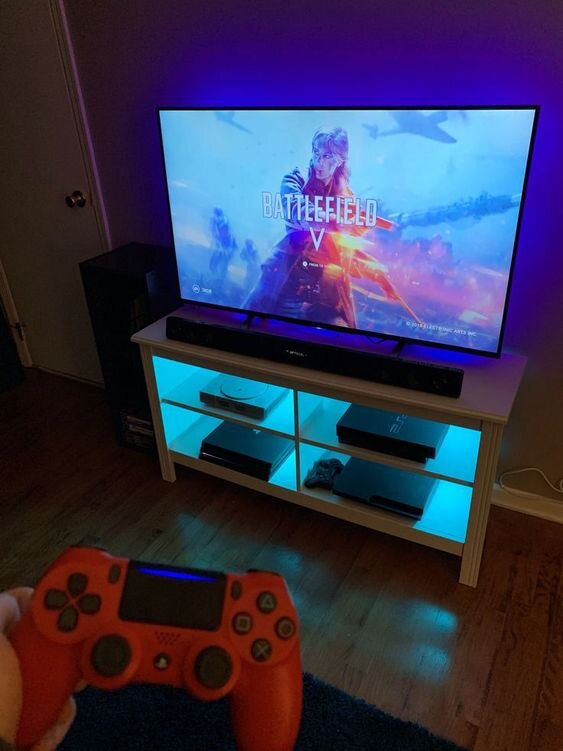
If you’re playing on PC or Xbox One, sharing your activity on Discord is as easy as downloading an app and signing in. On PlayStation 4 it’s a bit trickier: PS4 does not have official Discord integration, but a third-party developer has created a Discord app that will show your PS4 activity, similar to how Discord does it on its own platform.
To use it, download the PlayStationDiscord app on your computer. There are buttons for the Windows and Mac versions on the site. Once you’ve installed it, open the app and sign in with your PSN account. (As Windows Central points out, the app signs into PSN using an OAuth login, so it does not store any login info). Once you’re logged in, make sure “rich presence” has been enabled.
Tustin, the developer, put up a full video breakdown on YouTube, in case you want to see the whole process and what each screen looks like.
In case you’re wondering, Rich Presence is an API feature that allows third-party developers to create apps that independently surface information to users’ Discord accounts. There are third-party apps that use it to let Discord show people what you’re listening to on iTunes and watching on Netflix, among other things.
There is one downside to Rich Presence apps, including PlayStationDiscord—they only run so long as your computer is on and the app is running. Presumably, this isn’t a problem if you are actively using Discord while you’re playing, but if you’re playing PS4 without the app open, or if you were planning to use Discord on your phone, the information will not show up unless you leave the app on in the background.