A pedigree is a document certifying the origin of a breeding animal, in which its ancestors and basic information about them are presented in a certain order.
Windows Store - https://www.microsoft.com/ru-ru/store/p/pedigree-animal/9wzdncrdc9d1?rtc=1
iOS Store - https://itunes.apple.com/us/app/pedigree-animal/id926165453?mt=8
Android Store - https://play.google.com/store/apps/details?id=ru.org.animalgree
An animal for which a pedigree is made is called a proband. From the proband to the animal from which it comes, generations are counted. A generation is a collection of ancestors standing at the same degree of kinship with respect to a proband. Ancestors call those relatives of the proband in previous generations, which are directly included in his ancestry, from which he originates. Generations of ancestors are called ancestors' ranks (rows of ancestors are designated by Roman numerals I, II, III, IV series, etc.). In the first row of ancestors in the pedigree are the parents of the proband (mother and father); in II - grandparents (mother of mother, father of mother, mother of father and father of father), in abbreviated terms MM, OM, MO and PO; The third row is filled with the great-grandmothers and great-grandfathers of the proband (MMM, OMM, IOM, OOM, MMO, OMO, MOO, LLC).
The program is designed to create a pedigree of animals. Keeping a list of animals, their photos and videos.
Program features:
- List animal;
- Construction of the pedigree of the animal (2D, 3D);
- Construction of the pedigree branch of the animal (2D, 3D);
- Generating a list of generations;
- Compilation of a general and personal photo album;
- Compiling a general and personal video archive;
- Printing reports and photos with the division into pages;
- Saving data in the archive.
The program is designed to facilitate the work of collecting, displaying and organizing information about the animal's pedigree. With its help, you will create a detailed list of animals, add photos and video materials. By default, the navigation control panel (at the top and bottom of the screen) is in the collapsed state and you will not see it. To see it, you need to:
- Right-click anywhere on the screen (if you use the mouse).
- Swipe down from top to bottom (if you are using a touch device).
At the top of the application screen is the taskbar and settings buttons.:
- Pedigree;
- Generation list;
- Genealogical map;
- Photo Album;
- Video album;
- Facebook;
- Twitter;
- Backup;
- Settings;
At the bottom of the screen is a panel of action buttons.:
- Add;
- Edit;
- Delete;
- Move;
- Search;
Animals in the program are grouped by family. The first screen is a family list. Here you can create a new family card or edit an existing one. Sort the list. Search for animals in all families.
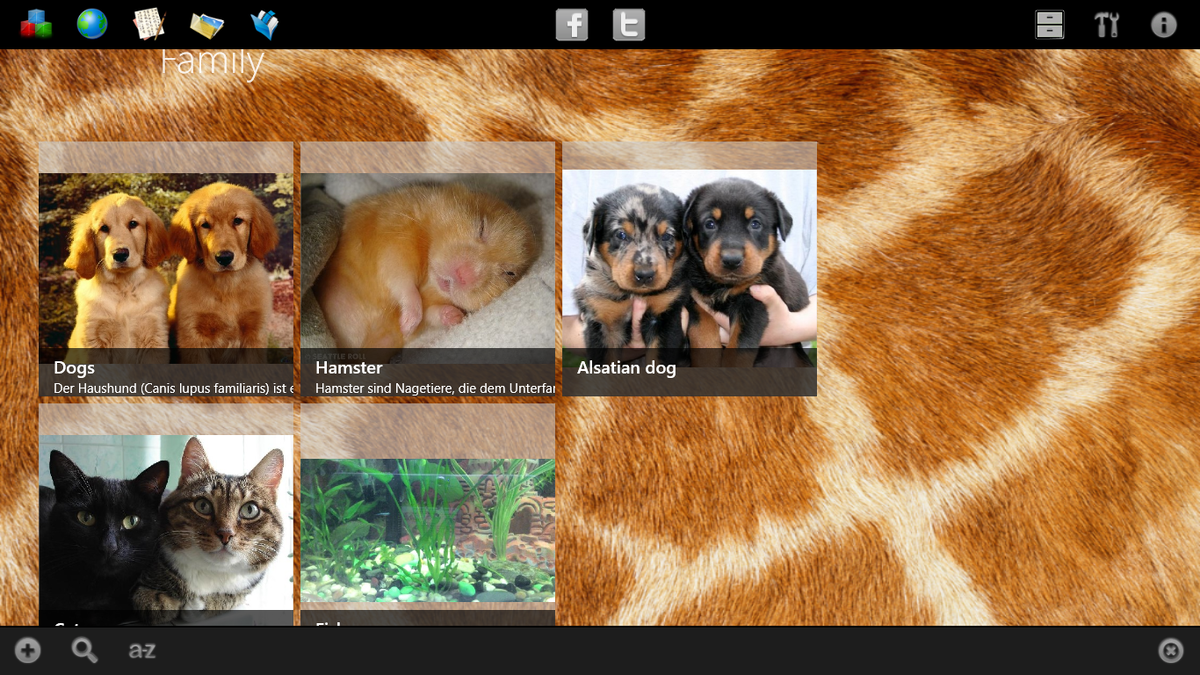
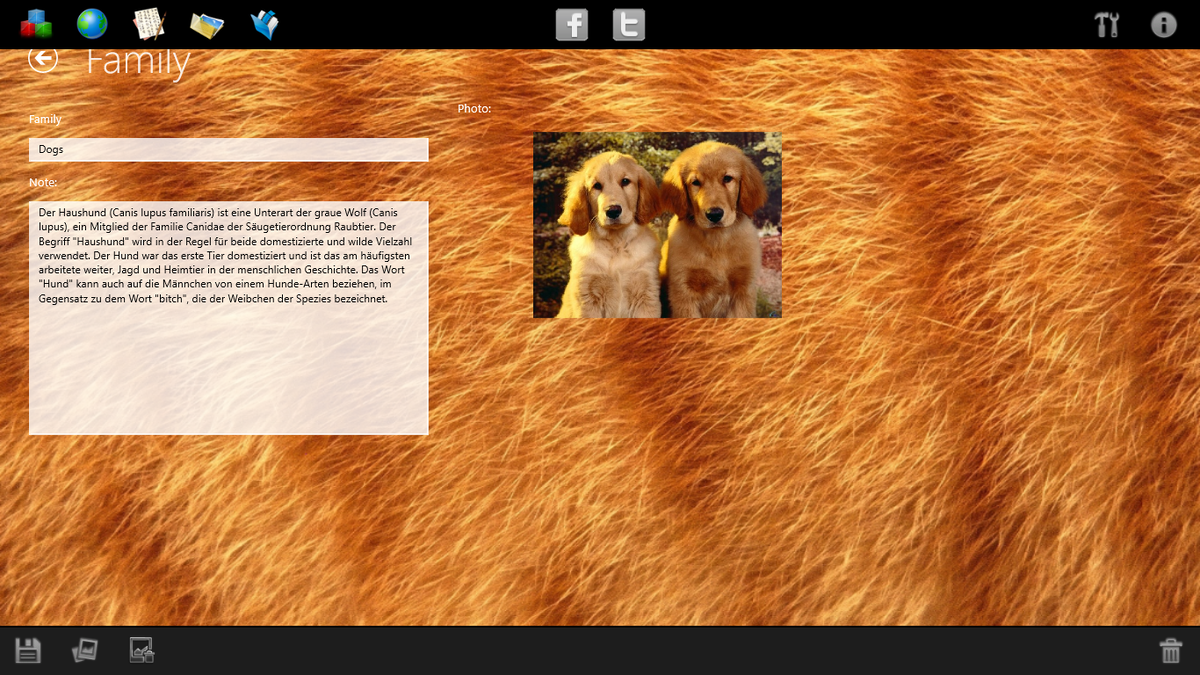
First of all, a list of families is created in which data on animals belonging to the family are stored. The following information is entered into the family card: Family name; A brief description of the family.
The second screen shows a list of animals belonging to the family. Here you can create a new animal card or edit an existing one. Sort the list. Search for persons in all families. Move the animal to another family.
The following information is entered into the person’s card: Nickname; Floor; Date and Place of birth (with geographic coordinates): Date and Place of death (with geographic coordinates); Father; Mother; Place of residence (with geographic coordinates); Breed; Master; Breeder; Color; The size; Exterior; Certificate; Class; Stigma; Awards; Tests; A country; Brief description of the animal. Father, mother are selected from the list of already entered animals. From the collected data, the program generates genealogical reports. The corresponding buttons are at the top of the screen.
Animal tree. The presentation of the pedigree information in the form of an ascending tree.
Pedigree of the animal. The form of presentation of pedigree information in the form of a table.
Pedigree map. The form of the presentation of pedigree information in the form of a map with marks of the place of birth (place of death) and parents-children connections.
List of generations. The form of the presentation of pedigree information in the form of a list of generations with a breakdown by families.
To store photos and copies of documents in the application made a photo album.
For the storage of video materials in the application made a photo album.
In the preferences of the application, you can enter the breeder and his data. Customize the pedigree view and the map view.
Data copy, archive, transfer to another computer. To do this, there is a backup function in the program.
The program database is stored in the AnimalGree.s3db file in the /databases/ program directory. Photos and video files are stored on SD in the AnimalGree directory in the appropriate folders of Fotos and Kinos. When you click the "Exit" button, the program saves the AnimalGree.s3db database in the AnimalGree directory on the SD. The AnimalGree folder can be copied to another computer. To install the program. When you first start the program itself will copy the data from the file AnimalGree.s3db database on SD to the folder /databases/ program.